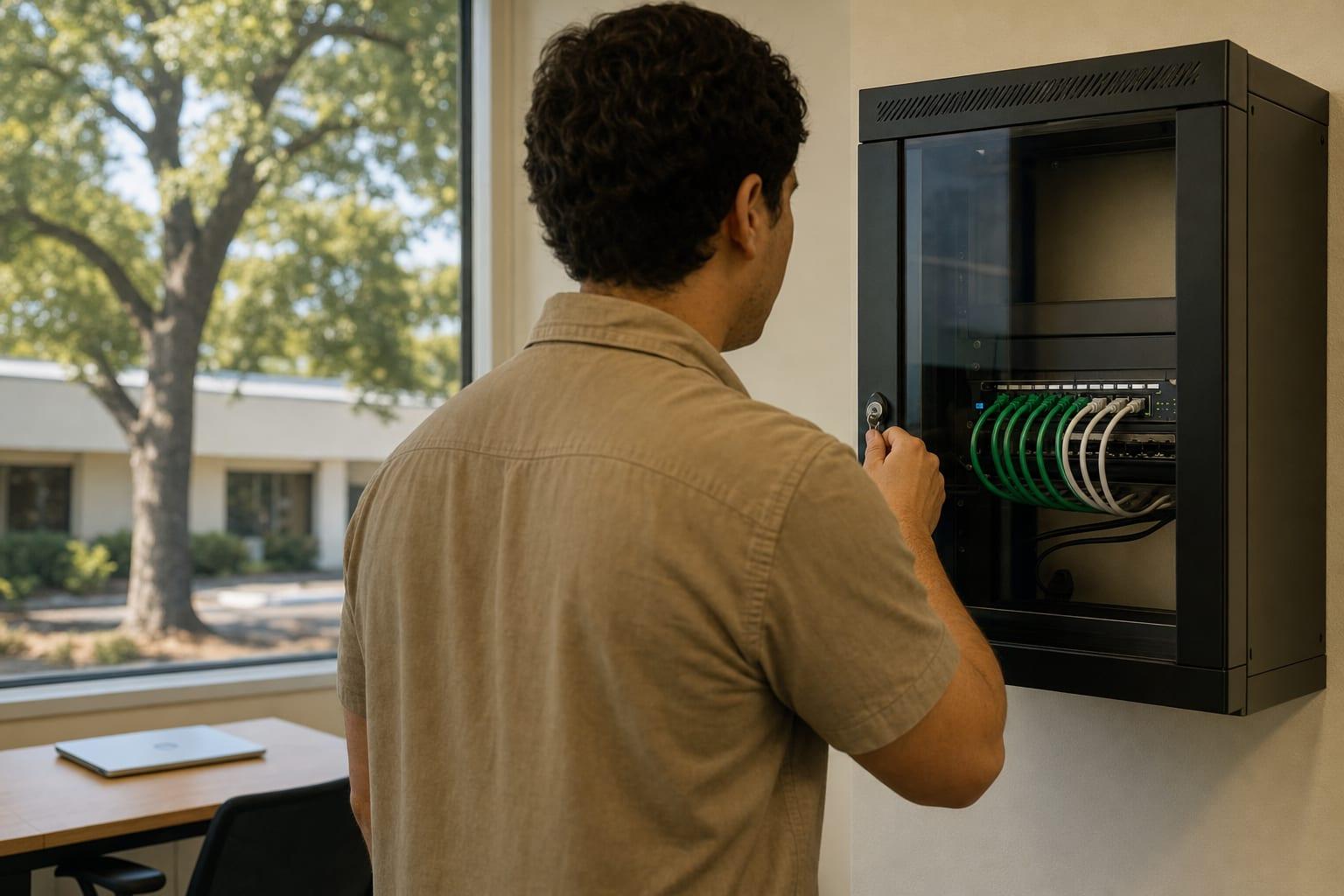
Measured, Then Mounted
Business WiFi Installation in Sacramento, CA
A guest network that can reach your file server is not a guest network.
WiFi Installation for Sacramento Offices and Warehouses
Business WiFi installation in Sacramento starts with a site survey, then places and configures access points so coverage is even and guests are kept off your business systems. Request a quote with your square footage and building type.
Two mistakes cause most bad office wireless. Access points get placed where the cable happened to end, and everything shares one password that has not changed since move-in.
The first costs you dropped video calls. The second means every former employee and every visitor still holds a key to the network.
Serving Businesses Across California
What a Business WiFi Installation Covers
A proper WiFi installation is design work first and ladder work second. Six steps separate it from plugging in a router.
Wireless Site Survey
Signal is measured against the real walls. Midtown Victorians with lath and plaster behave nothing like a tilt-up concrete warehouse off Power Inn Road.
Access Point Placement
Units go on ceilings where the survey says, each fed by its own network cable for power and data.
Guest Network Isolation
Visitors get internet and nothing else. Their devices cannot see printers, servers or each other.
Per-User Sign-In
Staff connect with their own credentials in place of a shared password, so one departure does not force a change for everyone.
Warehouse and Yard Coverage
Scanners and tablets need coverage down the aisles and at the dock doors. Antenna choice and mounting height are planned for racking.
Encryption Settings
Current WPA3 security is used where devices support it, and outdated modes are switched off.
WiFi Installation Cost in Sacramento
| Item | Price | Depends on |
|---|---|---|
| Site survey and design | Custom quote | Square footage and construction |
| Installation and setup | Custom quote | Access point count and cable runs |
| Ongoing wireless management | Custom quote | Number of sites and devices |
Pricing follows the survey, because the survey sets the access point count. Cable runs to each unit are often the larger share of the job. Ask whether cabling is included in the figure.

Why Choose Us for Business WiFi Installation?
Survey Before Hardware
Nobody orders access points off a floor plan guess.
Guests Fully Separated
The visitor network is tested from a phone to prove it reaches nothing internal.
No Shared Staff Password
Access ends when the person's account ends.
Coverage Map Handed Over
You keep the before and after measurements for the next build-out.
Talk to a Sacramento Managed IT Team
Send the square footage, the building type and where the signal dies.
Call (530) 255-2218Get a Free Quote
No obligation.
How a WiFi Installation Proceeds
Building Details
You send square footage, wall types and a floor plan if one exists.
On-Site Survey
Signal and interference are measured throughout the space.
Design and Quote
Placement, cabling and equipment are listed with a price.
Install and Configure
Units are mounted, networks are separated and security is set.
Validation Walk
Coverage is measured again and weak spots are corrected.
Business WiFi Installation Questions
How many access points does an office need?
The number of access points an office needs depends on wall construction, ceiling height and how many devices connect at once. A site survey answers it with measurements. Square footage alone is a poor guide, and too many units cause as much trouble as too few.
Is business WiFi different from home WiFi?
Business WiFi uses centrally managed access points that hand devices off between units, separate guest and staff traffic and support individual logins. A home router does none of that well. It also rarely receives security updates for long.
Should guests use the same WiFi as staff?
Guests should always be on a separate, isolated wireless network. A visitor's phone or laptop is an unknown device. On the staff network it can reach shared drives and printers, and any malware on it gets the same reach.