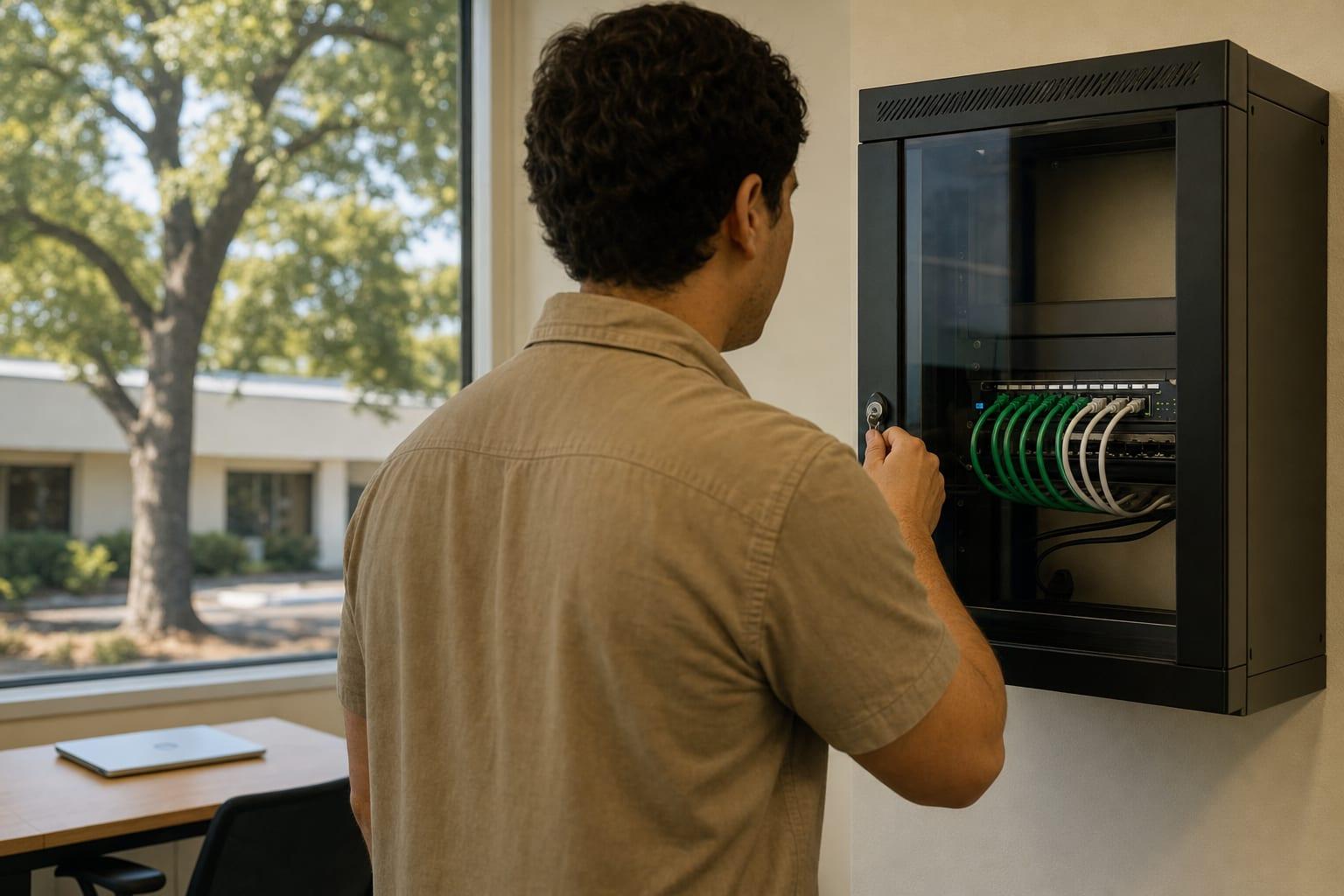
The Part Nobody Looks At
Network Support in Sacramento, CA
When did your firewall last get an update? If nobody knows, start here.
Business Network Support and Management in Sacramento
Network support in Sacramento keeps a business's firewall, switches, VPN and internet connections patched, monitored and documented. Faults are traced remotely first, with a visit when equipment needs replacing. Request a quote and say how many sites you have.
The network is the layer everyone forgets until it fails. A firewall installed six years ago, never updated, still running the installer's default admin password. It works fine. That is the problem.
An unpatched firewall is a known way in, and attackers scan for them by model number.
Serving Businesses Across California

What Network Management Includes
Network management is the routine care of the equipment between your computers and the internet. Six tasks make up the service.
Firewall Firmware and Rules
Firmware is kept current and old rules are removed. Every open port has a written reason or it gets closed.
Network Segmentation
Guests, cameras, phones and office PCs sit on separate segments. A compromised smart TV should not be able to see the accounting server.
Remote Access
VPN and remote desktop are locked behind multi-factor sign-in. Remote desktop left open to the internet is among the most abused entry points.
Internet Failover
A second, cheaper line or a cellular backup takes over when the main circuit drops.
Power and Heat
Battery backups are tested and sized, and closet temperature is checked. Summer afternoons here are hard on gear in an unvented room.
Network Documentation
A diagram, an address list and the admin credentials are written down and given to you.
Network Support Pricing in Sacramento
| Option | Price | Varies with |
|---|---|---|
| Monthly network management | Custom quote | Sites, firewalls and switches |
| Network audit and cleanup | Custom quote | Size and age of the network |
| Equipment replacement | Custom quote | Hardware chosen and labor |
A quote follows an audit of what is installed. Firewall security subscriptions renew yearly and should appear as their own line, with the renewal date.

Why Choose Us for Network Support?
Default Passwords Removed
Every network device gets a unique admin credential, stored where you can reach it.
Ports Justified or Closed
Nothing faces the internet without a current business reason on file.
Faults Traced, Not Guessed
The log shows whether the drop was the carrier, the firewall or a cable.
A Diagram You Keep
The next technician, whoever it is, starts from a map and not a mystery.
Talk to a Sacramento Managed IT Team
How many locations, and who holds the firewall password today?
Call (530) 255-2218Get a Free Quote
No obligation.

How Network Support Begins
Site Count and Symptoms
You list locations and what has been dropping or slow.
Network Audit
Devices, firmware versions, rules and wiring are recorded.
Risk and Fix List
Exposed services and outdated gear are ranked.
Remediation Window
Changes are made after hours with a rollback plan.
Ongoing Monitoring
Uptime and firmware status are tracked and reported.
Network Support Questions
What does network support include?
Network support includes managing the firewall, switches, wireless and internet connections that link a business's devices. Typical tasks are firmware updates, rule reviews, fault tracing, remote access setup and keeping a current network diagram.
How often should a business firewall be updated?
A business firewall should have its firmware checked monthly and updated promptly when the maker releases a security fix. Hardware that no longer receives updates should be replaced. An out-of-support firewall protects very little.
Why does our office internet keep dropping?
Office internet drops usually trace to one of four things. The carrier's line, an overloaded or failing firewall, a bad cable or switch port, or wireless interference. Logs from the firewall narrow it down quickly, which is why monitoring comes first.