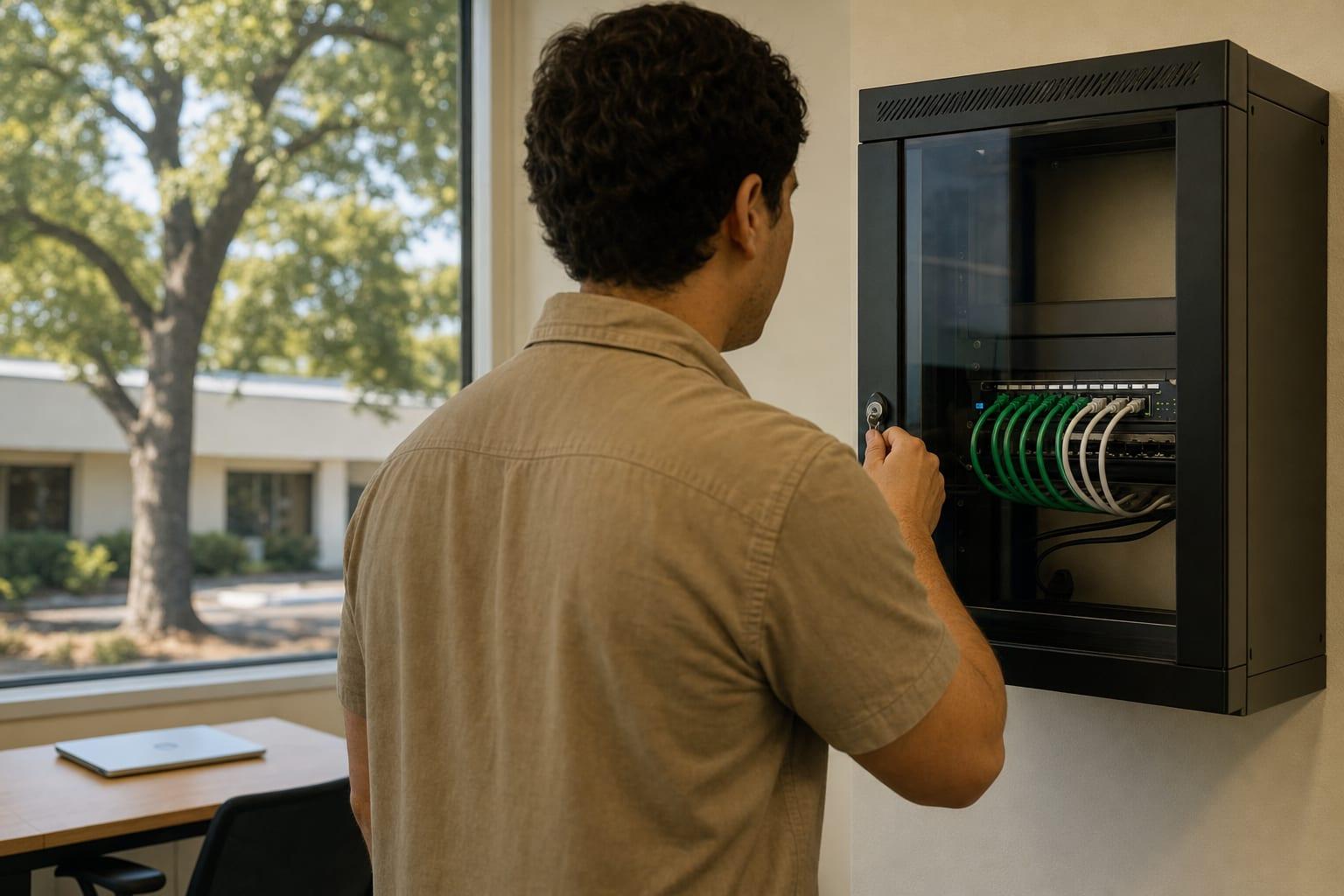
The Device Everyone Forgets
Office Printer Support in Sacramento, CA
Your copier stores what it scans. Has anyone changed its password?
Office Printer and Copier Support in Sacramento
Printer support in Sacramento fixes printing, scanning and copier connection problems for offices and secures those devices on the network. Hardware repairs under a lease are coordinated with the copier vendor. Request a quote with your printer count.
A modern copier is a network computer with a hard drive. It holds address books, saved scans and stored credentials for your email or file server.
Most still run the factory admin password printed in the manual. Anyone on the network can read that manual.
Serving Businesses Across California

What Office Printer Support Includes
Office printer support covers the faults staff notice and the exposures they do not. Five tasks cover both.
Driver and Queue Repairs
Stuck jobs, wrong trays and printers that vanish after an update are fixed at the cause, with drivers deployed centrally.
Scan to Email and Folder
Scanning breaks whenever email providers tighten sign-in rules. It is rebuilt using a current, supported method.
Device Hardening
Default passwords are replaced, unused services are switched off and firmware is brought current.
Secure Print Release
Sensitive jobs wait until the person enters a code or taps a badge at the machine. Nothing sits in the tray.
Lease Return Wipe
Before a copier goes back to the leasing company, its drive is erased or removed and the step is documented.
Printer Support Pricing
| Service | Price | Varies by |
|---|---|---|
| Covered under managed IT | Custom quote | Number of printers in scope |
| Hourly printer help | Custom quote | Fault type and time on site |
| Printer security review | Custom quote | Device count and models |
Software and network faults are quoted here. Mechanical repairs, toner and parts usually belong to the copier lease or maintenance contract, so have that agreement handy.
Why Choose Us for Printer Support?
Factory Passwords Gone
Each device gets its own admin credential on day one.
Scanning That Survives Updates
The setup uses methods the email provider still supports.
Vendor Finger-Pointing Ended
One party works out whether it is the copier, the network or the PC.
Drives Wiped at Return
Your scans do not leave with the leased machine.
Talk to a Sacramento Managed IT Team
How many printers and copiers, and which one causes the most grief?
Call (530) 255-2218Get a Free Quote
No obligation.

How Printer Support Works
Printer List
You send makes, models and who leases them.
Fault Review
Current problems are reproduced and traced.
Fix and Standardize
Drivers, scan settings and print servers are corrected.
Secure the Devices
Passwords, firmware and network placement are addressed.
Document
Settings and vendor contacts are recorded for next time.